
Sip Sites resources
The shop owner’s field guide.
Practical ways to prepare your drink menu, photograph your signatures and check your website before customers see it.
Resources
Shop guides
Write a menu customers can scan
Group drinks by the words customers use at the counter, such as dirty sodas, milk teas or cold brew. Give each drink a name, a one-line description and its price. Keep size choices and paid add-ons beside the drink they apply to.
Example Coconut Lime Soda — cola with coconut cream and fresh lime. A first-time visitor can picture the flavor without asking what’s in the cup.
Photograph your signature drinks
Pick three drinks that do different jobs on your menu, like a bestseller, a seasonal special and a caffeine-free option. Photograph each one in the cup a customer actually receives. Use the same counter and soft window light to give the set a consistent look.
Leave space around the lid and base so each shot can crop cleanly for a phone. Save the full-size originals and name each file after the drink.
Check the site before launch
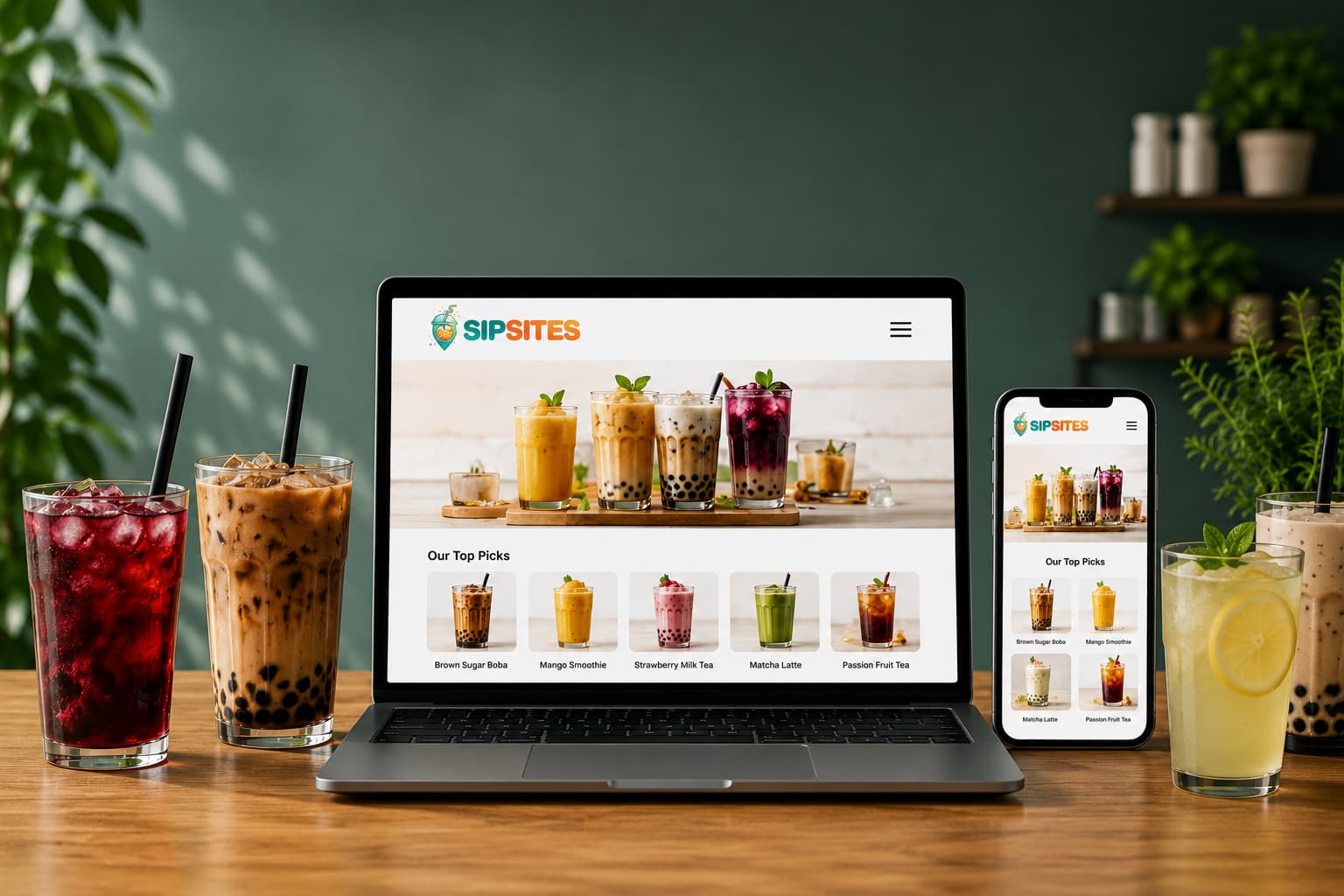
Open the site on your phone and try planning a visit. Read the menu without zooming, find today’s hours and tap the directions link. Make sure the map lands at the customer entrance or pickup spot.
Follow any ordering link through to the correct location. Send a test inquiry to your own shop, then check that the right person receives it. For a mobile stand, check that each stop includes a date and street address.